💻 Access Your Child’s ILEARN Family Portal Code
Posted Date: 10/09/26 (01:52 PM)
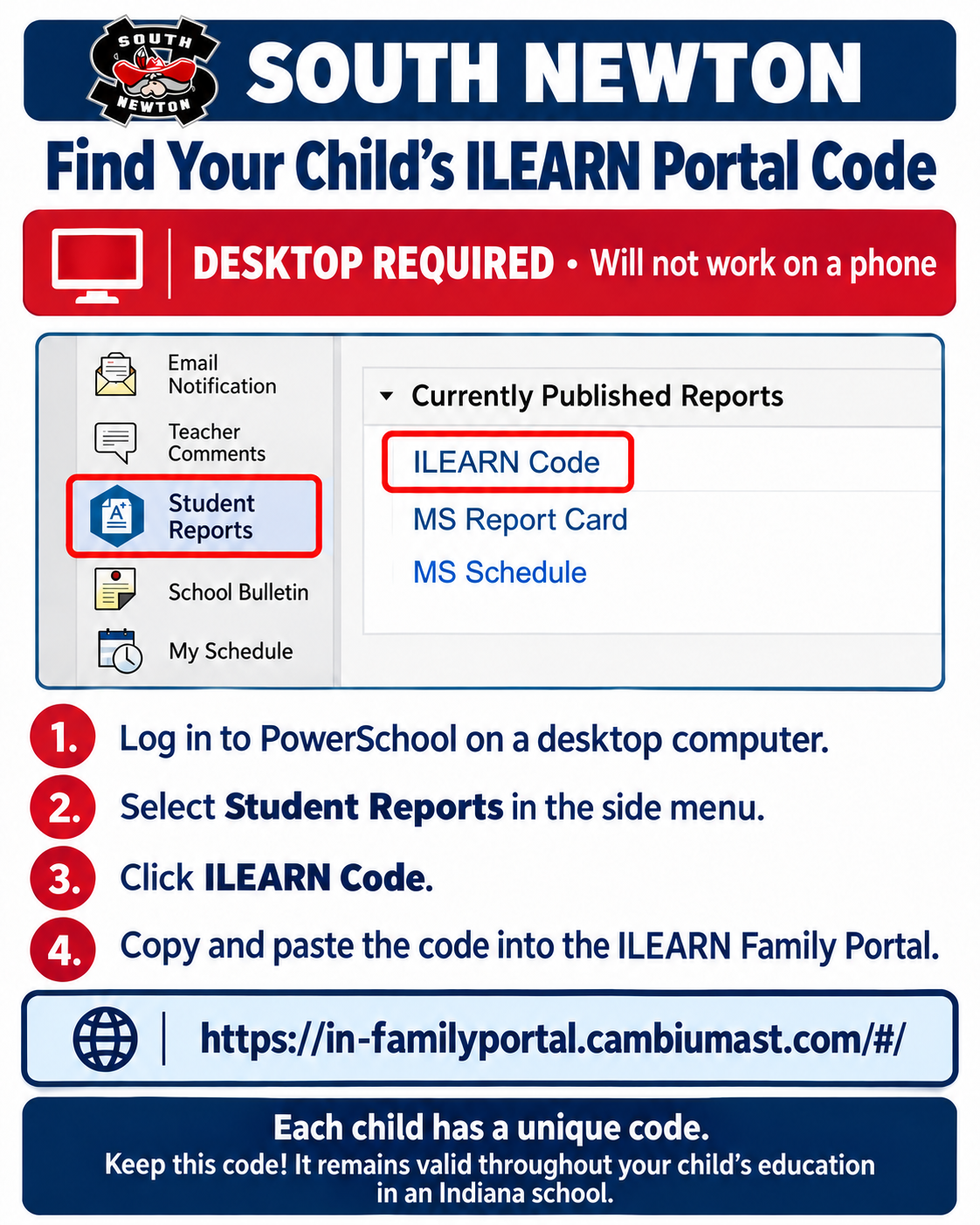
Parents and guardians can find their child’s unique ILEARN code through PowerSchool by following these steps:
- Log in to PowerSchool on a desktop computer. These steps will not work on a phone.
- Select Student Reports in the side menu.
- Click ILEARN Code.
- Copy the code and paste it into the ILEARN Family Portal: https://in-familyportal.cambiumast.com/#/